Repair guides
After liquid exposure: what to share
A wet connector and liquid inside equipment are different situations. Describe what happened before attempting further use or sending a device.
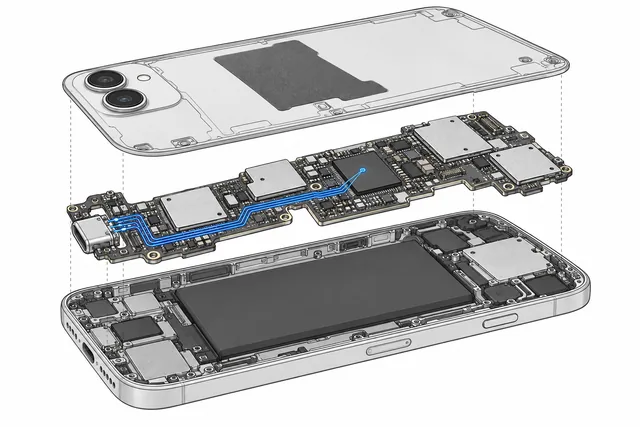
Disconnect a wet cable
If a charging cable or connector is wet, disconnect it and follow the device manufacturer's instructions. Do not reconnect or charge while the connector is wet.
Avoid improvised drying
Apple advises against external heat, compressed air, inserting objects into the connector or putting an iPhone in rice. Its instructions concern the connector and do not establish the condition of the internal board.
Tell us what happened
Describe the liquid, when exposure happened, what the device did afterwards and any previous cleaning or repair. Send photographs only if safe to take; do not open the device for them.
Battery damage needs care
A swollen lithium-ion battery may be a fire hazard. Do not press, puncture or remove it; contact the device manufacturer or a qualified local service for handling advice. If there is immediate danger, move away and contact emergency services.
General information, not a diagnosis. Follow the manufacturer's instructions for your equipment.