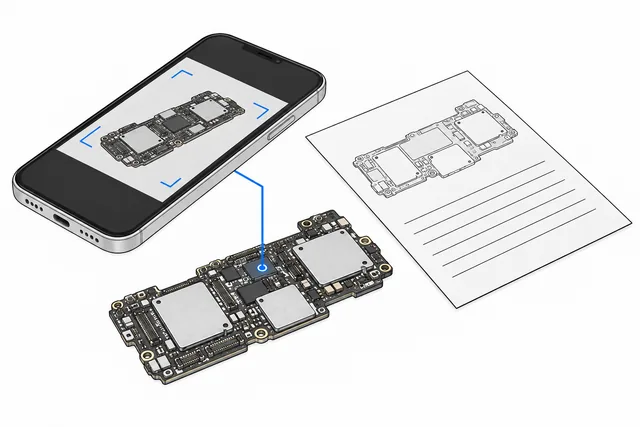
A few clear views help us identify the equipment and understand what you are seeing before anything is sent.
Illustration: a schematic example, not a photograph of a customer repair.
1. Identify the equipment
Photograph the model or part number so it is readable. Cover serial numbers and personal details if they are not needed for your enquiry.
2. Show the whole item
Take an overall view in even light. If the board is already safely removed, a clear image of each side can show its layout and connectors.
3. Show the affected area
If damage is visible, add a close view and one wider image showing where it is. Avoid glare and check that the image is in focus.
4. Add context
Tell us the symptoms, country and any liquid exposure, impact or previous work. Do not open equipment just to take photos; ask us what is needed first.