DEV-09 · COMPUTING BOARDS
Computers, servers and GPUs
We assess laptop, desktop and server motherboards and graphics cards with power, startup, charging or display faults. Include the hardware configuration and any diagnostic codes. Testing may require the original power supply, processor, memory or chassis as well as the board.
Equipment we assess
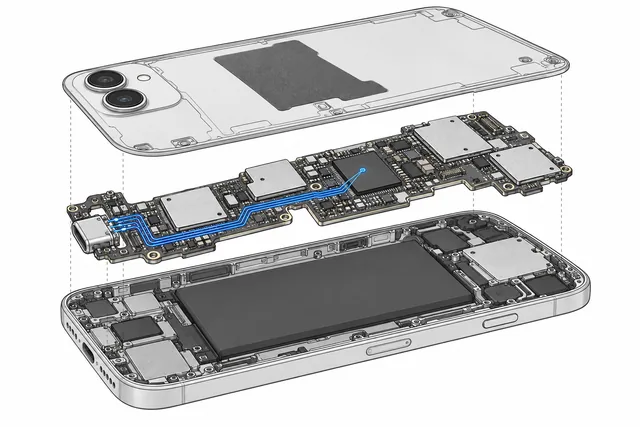
- Laptop and MacBook logic boards
- Desktop and workstation motherboards
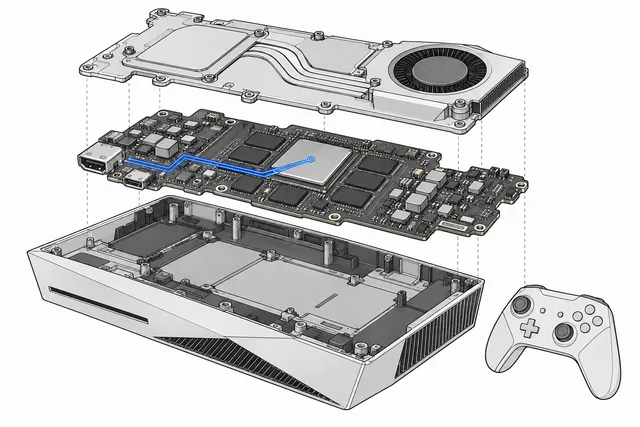
- Server and embedded-computing boards
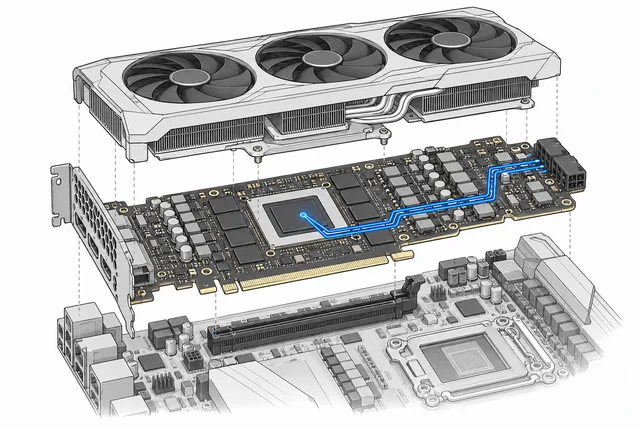
- Discrete GPUs and graphics cards
Faults we investigate
- No-power, no-charge and no-POST
- VRM, power-stage and shorted-rail faults
- BIOS, EC/SMC and initialization failures
- Liquid, socket, connector and previous rework damage
Diagnosis and repair work
- Schematic and boardview-led diagnosis
- Power sequence and rail analysis
- BIOS and firmware-hardware correlation
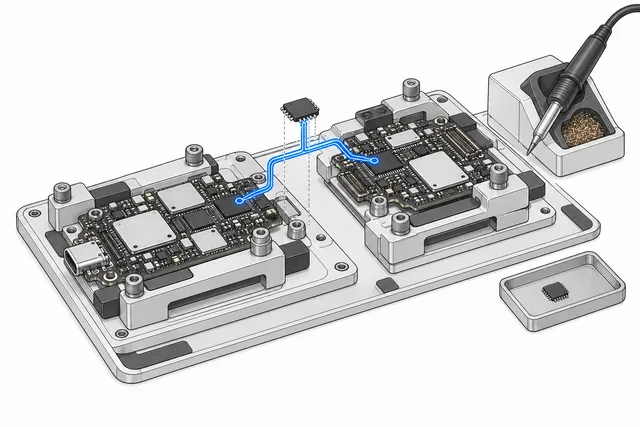
- BGA, QFN, connector and component rework
IMPORTANT LIMITS
Board repair is one part of the wider responsibility.
- 01A failed core, cracked multilayer board or unavailable silicon may be unrepairable
- 02Heat-only GPU reflow is not offered as a lasting repair
- 03Server validation may require the original chassis or representative hardware
REQUEST A TECHNICAL ASSESSMENT
Information to include in your enquiry
Include the exact model or part number, the symptoms and previous repair history. The details below help us decide what equipment we need for diagnosis and testing.
Send manufacturer/model, board number, CPU/GPU configuration, exact power or POST behavior, codes, liquid/impact history and previous work.
Use email for a detailed description and photos, or WhatsApp for a short question before shipping.
FAQ
Questions about this service
Do you repair GPUs by reflowing them?
No. Heat-only reflow is not treated as a reliable repair. The underlying power, memory, solder-joint or core fault must be diagnosed.
Can you repair a server motherboard without the server?
Sometimes. Other cases require the original power distribution, CPU, memory or chassis to reproduce the failure safely.
Do you work on liquid-damaged laptops?
Yes. Stop powering the device and contact us promptly; corrosion continues even when the computer appears dry.